
QR Codes for Social Media: A Practical Guide
June 30, 2026 · 7 min read · by Jan Oršula
A QR code is a bridge from somewhere offline (packaging, a booth, a slide, a business card) to something online you control. The code itself is the easy part; any QR generator makes one in seconds. What separates a code that drives follows and clicks from one nobody scans is everything around it: where it points, whether it's even readable, what the person is asked to do, and whether you can tell afterward if it worked. Get those four decisions right and the square of dots does real work. This guide walks each one.
Where QR codes actually earn their place
QR codes shine in exactly one situation: someone can see your content but can't click it. That covers more than you'd think.
- Print and packaging: a code on a product insert, flyer, or label sends buyers to your profile, a how-to video, or a review page.
- Events and physical spaces: booth banners, conference badges, posters, table tents, and shop windows turn foot traffic into followers.
- Business cards and slides: open your profile or portfolio without anyone typing a handle, and let a roomful of people scan a deck mid-talk.
- Video and broadcast: a code on screen in a YouTube video or a printed lookbook is the only practical way to make passive viewing clickable.
The anti-pattern is putting a QR code where a link already works: in an email, on a web page, in an Instagram bio. If the audience can already tap, a QR code just adds friction. Use it to cross a gap, never to replace a link that's already there.
Decision 1: what the code points at
This is the decision most people skip, and it quietly wastes the rest. A QR code should land on a stable destination built for the action you want, not your homepage and not a link that might move.
For social growth, that usually means your link-in-bio page or a specific profile, somewhere the visitor can act immediately. Pointing a printed code at a deep URL that might change later is a trap: a static code can't be edited after it's printed (more on that next), so if the destination moves, the code dies. The fix is to point it at a URL you control and keep stable, your own short link or a landing page, and change what lives there rather than the code itself.
Decision 2: static vs dynamic, and why it matters
Two kinds of QR code exist, and the difference has real consequences:
- A static code encodes the destination directly in the pattern. It never expires, nobody tracks it through a middleman, and it works forever. But you can't change where it points once it's printed.
- A dynamic code points at a short redirect that you can edit and that logs scans. Flexible, but it depends on a third-party service staying online and usually paid; if that service lapses, every code you printed goes dead.
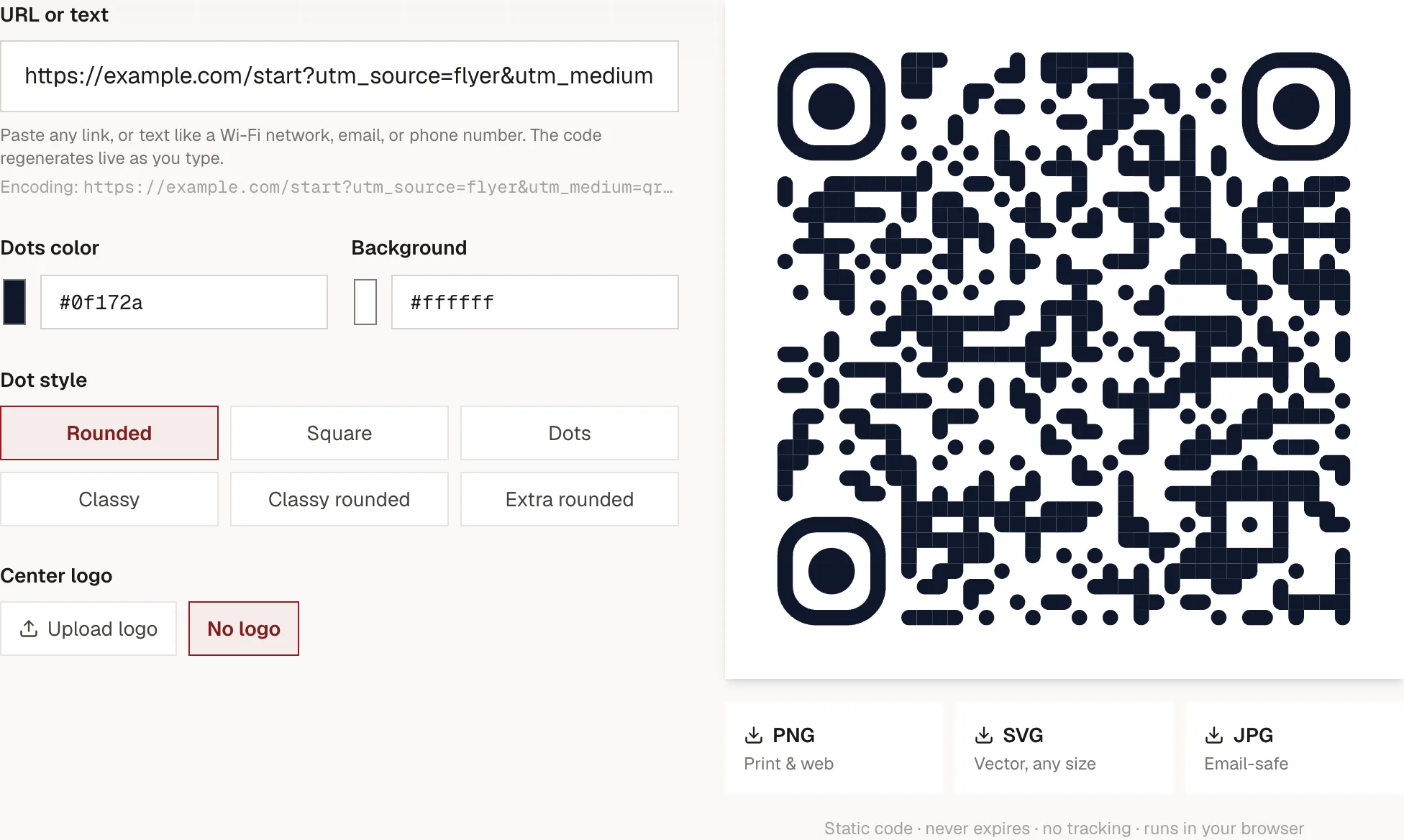
Plenty of "free" generators quietly make dynamic codes so they can charge or cap you later, and a code on a thousand flyers turning into a dead link is an expensive surprise. Static is the safer default for anything printed, which is why our generator makes static codes. You keep the editability you actually need by pointing the static code at a stable URL you control, then updating the page behind it.
Decision 3: design it to actually scan, and to get scanned
Two halves here: readable by a camera, and compelling to a human.
Readable. Keep strong contrast (dark dots on a light background scan most reliably), print it large enough (at least 2×2 cm up close, much bigger from a distance), and if you add a centre logo, keep it to the middle third so the code's error correction can still reconstruct the covered area. Then test the exported file with a real phone at the size it'll be used, every time. A two-minute test saves a reprint.
Compelling. A bare code earns few scans because it answers no question. The copy next to it does the converting: tell people what they get and why now. "Scan to follow for daily recipes," "Scan for 15% off your first order," "Scan to watch the setup video." A reason beats a naked square every time. The code is the mechanism; the CTA is the marketing.
Decision 4: measure it without paying for dynamic codes
You don't need a dynamic-QR subscription to know your codes work. Track at the
link level instead. Build the destination URL with UTM parameters first,
then turn that into a static QR code. Every scan arrives on a tagged link your
analytics attributes to the campaign, with no redirect dependency. A flyer code
might point at
yoursite.com/start?utm_source=flyer&utm_medium=qr&utm_campaign=spring, and a
booth code at utm_source=booth. Now you can compare which placement actually
drove traffic.
Our UTM builder generates those tagged links with consistent naming, and if you want the scans to show up cleanly in analytics, the GA4 setup guide covers wiring the reporting end. Generate the tagged link, paste it into the QR generator, and you've got a measurable offline channel.
The mistakes that kill QR campaigns
Nearly every failed QR effort traces to one of these:
- No CTA. A code with no reason to scan gets ignored. Always pair it with a benefit.
- Pointed at the wrong place. Dumping scanners on a generic homepage instead of a page built for the action.
- Too small or low-contrast. If a camera struggles, the scan never happens, and you won't know, because there's nothing to measure.
- Never tested. Printing a code straight from the screen without scanning the final file at final size is how dead codes reach a thousand flyers.
- Used where a link would do. Friction with no upside.
The one-line version
Point the code at a stable page built for one action, design it to scan and pair it with a real CTA, tag the link so you can measure it, and test the printed file before it ships. The QR code is trivial; the four decisions around it are the whole job.