
Instagram Scheduler & Visual Grid Planner
Lay out your feed before a single post goes live. Drag tiles to rearrange the grid, schedule Reels with the cover you actually want, tag people and invite collaborators, test ideas with Trial Reels, and push your hashtags to the first comment, all from one calendar.
- Business & Creator accounts
- First comment
- Trial Reels
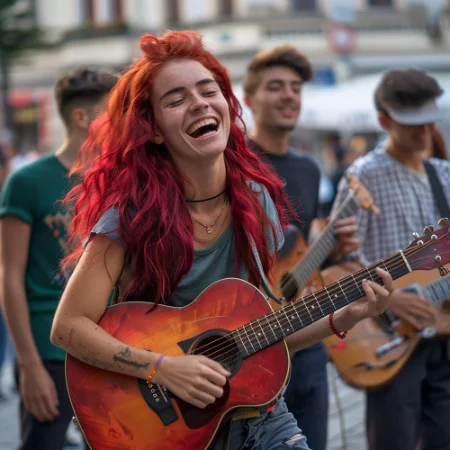
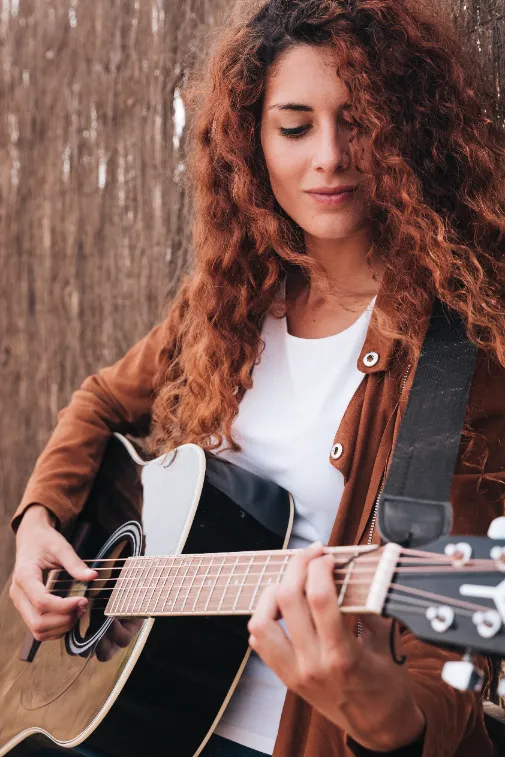



Kadenzo is an Instagram scheduler with a visual grid planner. Design your feed before you post, schedule every format (Reels including Trial Reels, Stories, carousels, and posts) and publish to Business and Creator accounts through the official Instagram API.
Test a Reel before your followers see it
Tick Trial Reel on a scheduled Reel and Instagram shows it to non-followers first. Watch how it lands in your insights, then share the winners with your followers from the Instagram app, or quietly move on. New ideas, none of the risk to your feed.
- Goes to non-followers first, so your own feed stays clean
- Schedule trials in advance like any other Reel
- Needs a Business or Creator account with 1,000+ followers
Schedule every Instagram format
One calendar that speaks Instagram — not a text box that only really handles a photo.
Reels
Schedule Reels with the custom cover you actually want — no settling for a random video frame.
Stories
Queue Stories to publish on their own — no reminder, no scrambling.
Carousels
Order up to 10 images or videos exactly how you want them to swipe.
Posts
Schedule feed posts and drop your hashtags into the first comment.
What scheduling Instagram actually takes
A visual feed where the grid, the formats, and the link rules all matter.
Plan the grid, not just posts
See how the next nine tiles sit together before you schedule — the feed is a layout, not a stream.
Reels, Stories, carousels
Schedule every format from one calendar, each with its own cover, caption, collaborators, and timing.
Hashtags in the first comment
Keep the caption clean and auto-post your tag set as the first comment the moment it publishes.
The link a caption can't carry
Instagram captions don't do clickable links. Set a keyword and a comment triggers the DM that does — your account answering people who commented on your own post.
Why not just post from the app?
The native app is fine for one post. A planner is for running an account.
From idea to published in four steps
- 1
Connect your account
Link a Business or Creator account through the official API.
- 2
Plan the grid
Drag posts into place and preview the whole feed before it's live.
- 3
Schedule posts, Reels & Stories
Pick times or let best-time suggestions choose for you.
- 4
It publishes for you
Every Instagram format goes out on time, automatically.
Get more out of every post
A few habits that compound on Instagram.
Plan the grid in nines
Map 9–12 posts ahead so the feed reads as one visual story. Alternate close-ups, wide shots, and text frames so no three-by-three block feels flat.
Lead with Reels
Reels are where new reach lives. Aim for a few a week, and use Trial Reels to test a riskier idea with non-followers before committing it to your main audience.
Move hashtags to the first comment
Keep captions readable by parking hashtags in the first comment. Blend a few high-volume tags with niche ones your actual audience searches.
Hold a steady cadence
Consistency beats bursts. A reliable rhythm (even three to four posts a week at similar times) tends to compound better than an occasional flood.
Instagram scheduling, answered
Can you auto-publish Stories, or is it a reminder?
Stories auto-publish for Business and Creator accounts connected through the Instagram Graph API. No phone reminder, no tapping send. They go live at the scheduled time on their own.
Can I schedule hashtags in the first comment?
Yes. Write your caption, then add the hashtags separately and they post as the first comment right after the post publishes: clean caption, full discoverability.
Can I schedule Trial Reels?
Yes. Tick Trial Reel on any scheduled Reel and Instagram shows it to non-followers first. Check how it lands, then share it with your followers from the Instagram app, or leave it as a trial. Instagram requires a Business or Creator account with at least 1,000 followers for trials.
Can I upload a custom cover for a Reel?
You can. Add your own cover image (9:16, JPEG or PNG) instead of settling for a video frame. It shows in the post preview while you schedule and on Instagram once the Reel is live.
Can I preview my grid before posting?
That's the point of the Visual Grid Planner. It shows exactly how queued posts will sit on your profile. Drag to rearrange and lock in the look before anything publishes.
Can I add collaborators to a scheduled post?
Yes. Add up to three Instagram accounts as collaborators on a post, Reel, or carousel and they get the invite the moment it publishes. Once they accept, the post appears on their profile too and both audiences see it, the same collab feature you'd set up in the app, planned ahead.
Can I tag people in a scheduled post?
Yes. Drop a tag on a photo exactly where you want it, or tag by username on a Reel. Carousels are tagged slide by slide, so the right people are on the right image. If a handle can't be tagged when the post goes out (renamed, deleted, or a private account) the post still publishes and we tell you which tag didn't stick, rather than holding the whole thing back.
Can I add Instagram's AI label to a scheduled post?
Yes. Flip one switch and the post carries Instagram's AI info label when it publishes, the same disclosure you'd add in the app. It's a self-disclosure, so use it when your photo or video was made or meaningfully edited with AI, and Instagram may also label content its own systems detect. The same switch covers TikTok if you're posting there too.
What if my photo isn't the right shape for the feed?
Feed posts have to sit between 3:4 portrait and 1.91:1 landscape, or Instagram crops them. Kadenzo checks the ratio when you upload, and an off-ratio image gets a one-click fix: the sides are filled with a blurred copy of the photo, so the whole picture publishes uncropped.
Can a comment on my post trigger a DM?
Yes. Set a keyword (say, GUIDE) and when someone comments it on your post, Kadenzo sends them the link or message you wrote by Instagram DM, with an optional public reply under their comment. Comments and DMs from Instagram also land in the same inbox as your other networks, so you can answer the rest by hand.
Does it work with Business and Creator accounts?
Both are supported. Personal accounts have limited API access, so a Business or Creator account is needed for direct publishing and a few of the scheduling features.
Plan your best Instagram month yet
Lay out the grid, schedule every format, and get your evenings back.
Cancel anytime
Works great with Instagram
Cross-post and manage every channel from one calendar — schedule once and let each platform publish on its own.
Instagram guides & reading
Go deeper on what actually works on Instagram.