
How to Add a Voiceover to Your Videos
June 29, 2026 · 7 min read · by Jan Oršula
A voiceover turns silent b-roll, a slideshow, or a faceless clip into something with a point of view, and you don't need a studio or even your own voice to add one. The workflow is short: decide the narration is worth it, write a tight script, record it or generate it from text, and drop the audio into your edit. The part that actually determines whether it lands isn't the microphone or the tool. It's the script, because narration reads exactly what you wrote, flat spots and all. This guide covers when to use a voiceover, the recorded-versus-AI choice, and how to write narration that sounds human.
When a voiceover earns its place
Not every clip needs one. A voiceover pays off when:
- You're making faceless content. Tutorials, list videos, story-time, and explainer clips that show b-roll or text on screen need a voice to carry the thread.
- The visuals can't speak for themselves. Process footage, screen recordings, and slideshows are clearer with narration than with on-screen text alone.
- You want consistency across a series. One narrator (recorded or generated) ties a posting series together.
- You're adding accessibility. Narration plus captions makes a video work with sound on or off, which is most of how short-form is actually watched.
If the footage already tells the whole story (a talking-head clip, a performance, a vlog where you're on camera), a voiceover just gets in the way. Use it to fill a gap, not to fill silence.
Recorded or AI? An honest comparison
There are two ways to get the audio, and they trade off cleanly:
Record it yourself when your voice is part of the brand, when you want full emotional control, or when the script has jokes and timing that only a human nails. The cost is the setup: a decent mic, a quiet room, and the patience to re-record the line you fluffed for the fourth time.
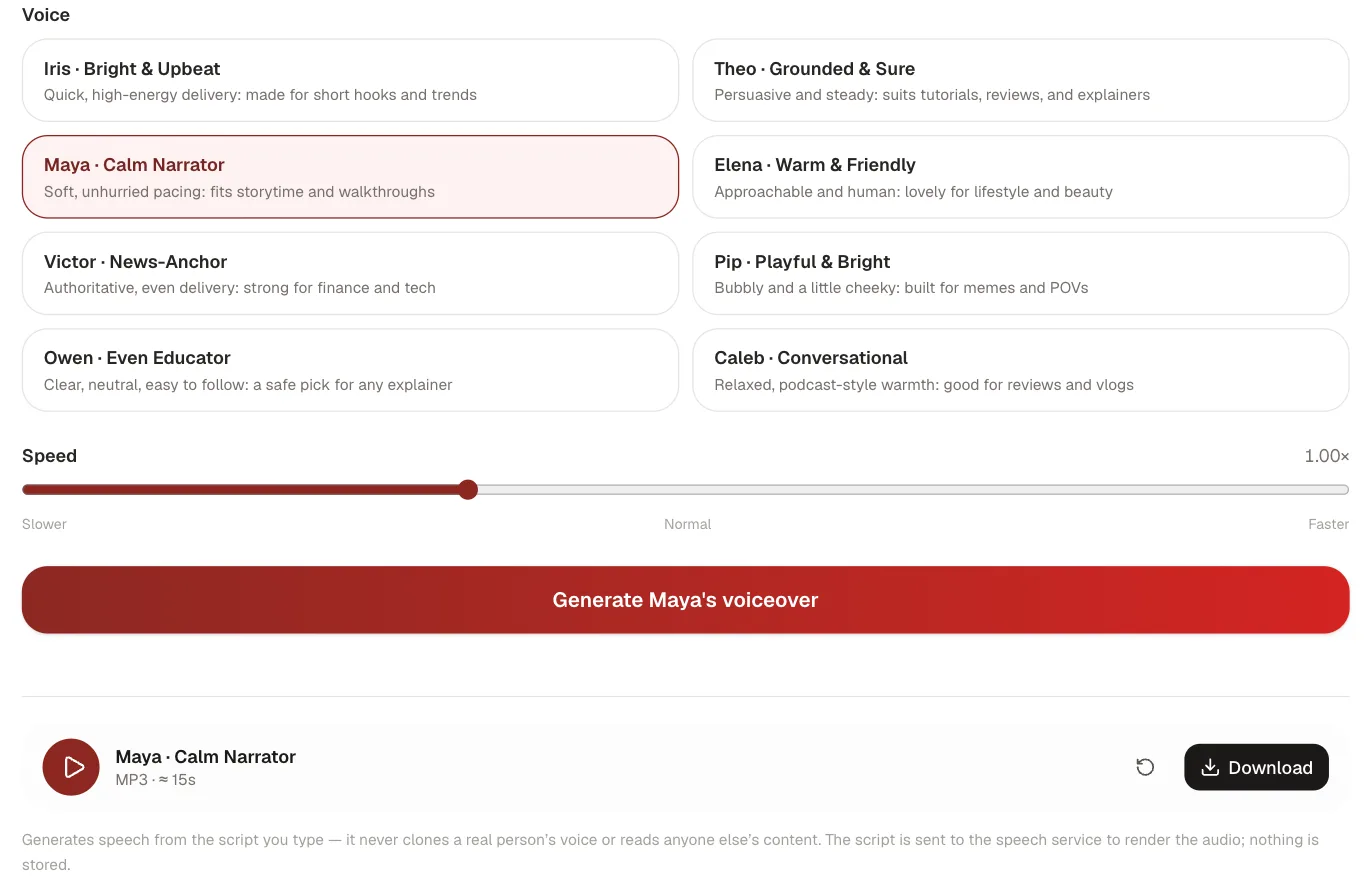
Generate it from text when you don't want to be on mic, when you need a voice fast, when you're producing at volume, or when re-recording a single changed word would mean re-tracking the whole clip. Modern text-to-speech is natural enough for short-form, and editing a typo is editing text, not re-recording audio. Our AI voice generator reads your script in a choice of voices and hands back an MP3 you drop straight into the timeline. No mic, no room tone, no retakes.
One firm line either way: generate speech from your own script, and don't clone a real person's voice from a sample without their consent. Putting words in someone's actual voice is an ethical and legal minefield, and it's unnecessary, because a synthetic narrator does the job without impersonating anyone.
Write a script that doesn't sound robotic
This is where voiceovers are won or lost. Whether a human or a tool reads it, the script does most of the work. The failure mode is writing for the eye instead of the ear. A few habits fix that:
- Write the way you talk. Short sentences. Contractions. The occasional fragment. Read your draft aloud before you record or generate it; if it trips your own tongue, it'll trip the narrator's.
- Punctuate for breath. A comma is a short pause; a period is a longer one. Breaking a run-on into two sentences fixes the pacing automatically, and it's the main lever you have over a text-to-speech read.
- Front-load the hook. Short-form lives or dies in the first two seconds, and audio is part of that. Lead with the payoff or the question, not a warm-up.
- Spell tricky words for the reader. Brand names, acronyms, and unusual terms can come out wrong, so write "S-E-O" or a rough phonetic spelling if the literal version reads oddly. (This applies to a human reading cold, too.)
Keep it tight. A 60-second short is roughly 130–150 spoken words, far fewer than a page of writing feels like. If your script runs long, cut, don't speed-read; pace is part of why a voiceover sounds professional or rushed.
Drop it in and sync
With the audio in hand, the edit is straightforward. Lay the voiceover on its own track, then cut your visuals to the narration rather than the other way around: the words set the rhythm, and the b-roll follows. Leave small beats of silence where a point needs to land; wall-to-wall talking feels frantic. If you run background music, duck it hard under the voice (narration up front, music sitting well below it) so every word stays intelligible; that leveling pass is the step most people skip. Finally, add on-screen captions: most short-form is watched muted at first, so the same script that became your voiceover should also become your subtitles. You can pull those automatically with the video transcriber and export an SRT to burn in.
The one-line version
Decide the clip actually needs narration, write a tight script for the ear, record it or generate it from text with your own words, never a cloned voice, and cut the visuals to match. The voice is the easy part; the script is the whole game.
For a fully produced launch video with professional voiceover, scripting and creative direction handled for you, Flowjam creates viral launch videos for AI startups, with turnaround in 2-14 days.